
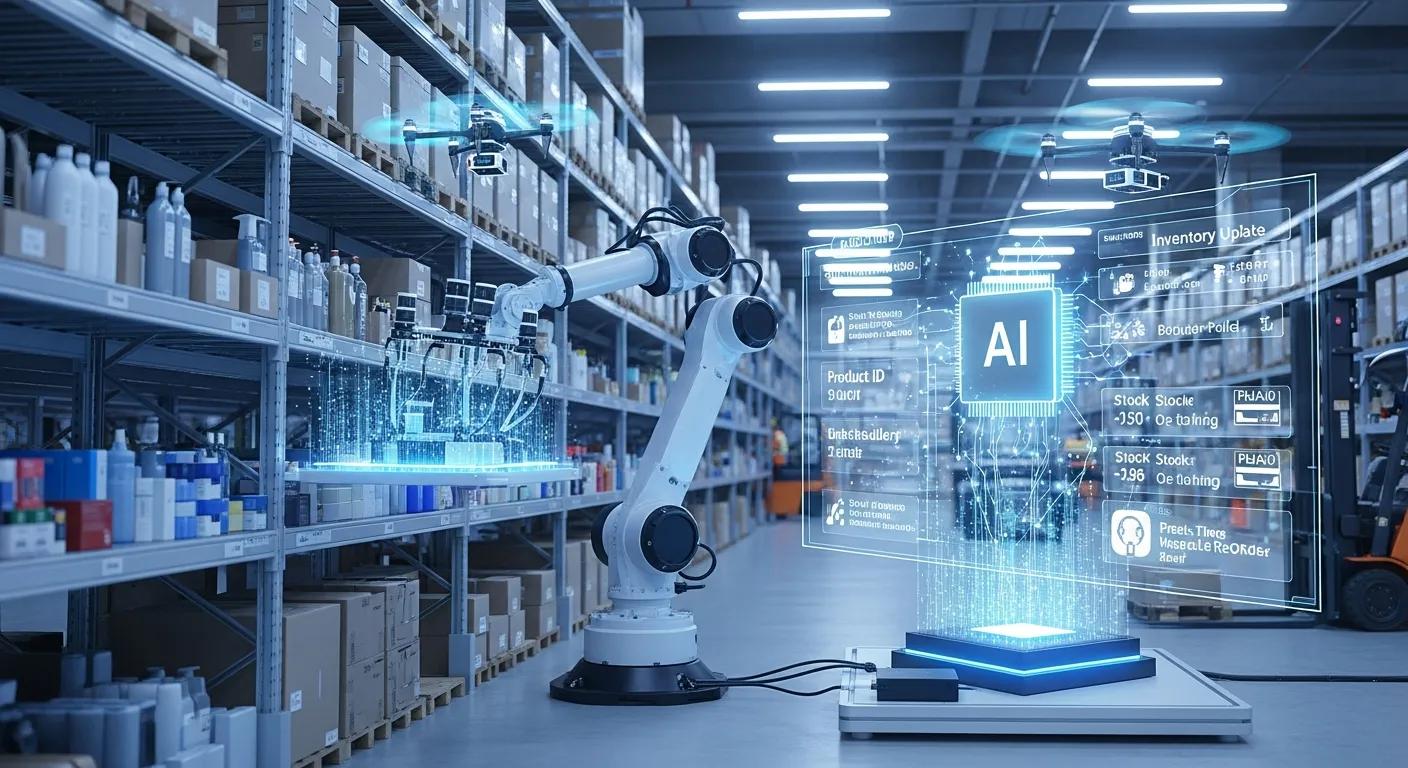
Retail Automation Solutions for Enhanced Efficiency: Boosting Store Performance and Customer Engagement
Retail automation solutions combine hardware, software, and data workflows to automate routine store processes, reduce transaction friction, and surface insights that improve efficiency and the customer experience. By automating tasks such as checkout, inventory reconciliation, and customer assistance with technologies like conversational AI, inventory management systems, and automated point-of-sale systems, stores can reduce labor intensity while increasing throughput and accuracy. This article explains how retail automation delivers measurable operational gains, elevates customer engagement, and lays a foundation for data-driven decision-making across omnichannel retail. Readers will learn the key benefits to prioritize, the core technologies that compose modern systems, practical implementation steps, governance practices for successful rollout, and how to calculate ROI from real-world examples. Throughout, the discussion emphasizes integration patterns, common pitfalls, and selection criteria so retailers and operations leaders can map automation opportunities to business KPIs and scale solutions effectively.
What Are the Key Benefits of Retail Automation Solutions?
Retail automation delivers five primary business benefits that align directly with operational and customer-facing KPIs: faster transactions, lower operating costs, higher inventory accuracy, improved conversion and AOV, and richer analytics for continuous improvement. Automation reduces manual touchpoints by applying software-driven workflows and integrated data pipelines, thereby minimizing human error and accelerating service times. These benefits compound: faster checkout and accurate inventory reduce stockouts and increase conversion, while analytics enable targeted merchandising and workforce planning. The following list highlights the top benefits in a format optimized for quick decision-making and featured snippets.
Retail automation provides these top benefits:
- Faster Transactions: Automated checkout and self-service reduce time per transaction and speed customer throughput.
- Lower Operational Costs: Task automation and labor optimization reduce the hours required for routine tasks, allowing staff to be redeployed to higher-value work.
- Improved Inventory Accuracy: Real-time IMS sync and RFID/barcode automation cut stock discrepancies and shrinkage.
- Higher Revenue and Conversion: Personalized offers and a smoother checkout process increase conversion rates and average order value.
- Data-Driven Operations: Integrated analytics enable continuous improvement across merchandising, staffing, and promotions.
These benefits map directly to measurable KPIs and create a virtuous cycle in which improved operational performance enhances the customer experience, which, in turn, drives revenue growth.
The table below clearly illustrates the benefits of inventory, transaction, and labor KPIs.
Different benefits impact specific store KPIs and typical improvement ranges.
This mapping helps retailers prioritize automation projects that target the KPIs most critical to their operations and revenue model. The following section examines the technologies that enable these benefits.
How Does Automation Improve Store Efficiency and Reduce Operational Costs?
Automation improves store efficiency by converting repetitive manual tasks into repeatable digital workflows that require less human intervention and produce fewer errors. For example, automated receiving and inventory counts replace slow, error-prone manual reconciliation with scheduled scans and reconciliation rules that reconcile discrepancies in near-real time. Streamlined checkout through self-service kiosks or integrated POS reduces queue times and allows staff to focus on high-value customer interactions rather than routine transactions. These process changes lead to tangible cost reductions through labor redeployment and fewer stock losses, often seen within weeks of deployment. Understanding these mechanisms illuminates how automation initiatives translate into operating savings and guides which processes to prioritize during pilots.
In What Ways Does Retail Automation Enhance Customer Engagement and Experience?
Retail automation enhances customer engagement by reducing friction points and delivering contextually relevant interactions across the journey, from discovery to purchase and post-sale service. Conversational AI and digital assistants provide on-demand product guidance and order status updates, while integrated POS and loyalty data enable personalized recommendations and promotions at checkout. Faster transactions and accurate product availability increase trust and satisfaction, encouraging repeat visits and higher lifetime value. These CX gains pair with analytics that reveal behavior patterns, allowing teams to iterate on offers and store layouts for continued improvement, which, in turn, supports broader omnichannel strategies and higher conversion rates.
Which Technologies Drive Effective Retail Automation?
Effective retail automation depends on a layered technology stack that includes AI-driven conversational systems, robust inventory management systems (IMS), automated point-of-sale platforms, and physical hardware such as kiosks and scanners. These elements connect through APIs and middleware to create real-time data flows that enable synchronized inventory, customer personalization, and automated task orchestration. When chosen and integrated correctly, the stack reduces transaction friction, maintains inventory accuracy, and surfaces operational insights. The comparison table below outlines three major technology categories, their primary use cases, typical integrations, and the ROI they drive.
Key technology categories and their primary benefits are summarized in the table below.
This table clarifies how each category contributes to operational efficiency and where integration attention is required. Selecting the right mix depends on store scale, legacy systems, and security needs, which we explore in the following subsections.
What Role Does AI and Conversational Automation Play in Retail?
Conversational AI serves as a first-line automation for customer queries, product discovery, and click-and-collect orchestration, reducing routine staff workload and improving response times. Chatbots, voice-enabled kiosks, and messaging assistants tap into POS and inventory feeds to provide accurate product availability and tailored recommendations, thereby increasing conversion and AOV. Integration with CRM and loyalty systems enables personalized promotions triggered by user intent or purchase history, while analytics on conversations identify friction points and training opportunities for systems and staff. By handling routine interactions, conversational AI frees employees to focus on complex customer needs and higher-touch service, creating a more efficient and engaging store environment.
How Do Inventory Management and Point of Sale Automation Systems Integrate?
IMS and POS integration creates a single source of truth for product availability, sales transactions, and replenishment triggers, enabling dynamic pricing, accurate stock counts, and timely restocking. Integration patterns typically use APIs or middleware to stream sales events into the IMS, which updates stock levels and signals reorder thresholds. Common pitfalls include inconsistent SKUs, delayed synchronization, and poor data governance, which are mitigated by standardized data schemas and reconciliation rules. Tight POS-IMS integration reduces shrinkage, prevents overselling, and supports omnichannel fulfillment workflows such as ship-from-store or buy-online-pick-up-in-store, delivering both customer satisfaction and reduced operational overhead.
How Can Retailers Implement Store Automation Systems Successfully?
Successful implementation of store automation requires a phased roadmap—assess, pilot, integrate, scale—backed by clear KPIs, data governance, and change management. Start with an assessment that maps high-frequency tasks and customer friction points to automation candidates, then design a time-boxed pilot with measurable outcomes. Integration should favor API-first approaches and middleware to preserve flexibility and minimize disruption to legacy systems. Finally, focus on staff training and clear process ownership so human workflows adapt to new automation rather than resist it. The following checklist provides practical steps to guide implementation and serves as a candidate for HowTo schema and featured snippets.
A step-by-step implementation checklist retailers can follow:
- Assess: Inventory processes, customer pain points, and data sources to prioritize automation opportunities.
- Pilot: Run a controlled pilot in a few stores, define KPIs (checkout time, stock accuracy), and measure outcomes.
- Integrate: Use API-first integration and middleware to connect POS, IMS, and conversational layers with data governance.
- Train & Measure: Train staff on new roles, track KPIs, and iterate based on analytics for continuous improvement.
This checklist reduces rollout risk by emphasizing measurable pilots and integration patterns that preserve system interoperability and data quality.
When implementing these steps, many solution providers offer integration services to accelerate deployment and bridge legacy systems. For example, some vendors in the retail technology space offer pre-built connectors and professional services for conversational AI, POS automation, and inventory synchronization to reduce integration time. Notably, a provider operating in the Tampa Bay area positions itself around conversational AI, inventory automation, and POS enhancements, and can be an illustrative partner when assessing vendor capabilities. Including vendor integration services in procurement criteria helps ensure pilots move to scale efficiently.
What are the best practices for Integrating Retail Automation Solutions?
Best practices for integration emphasize starting small, securing data, and establishing governance to maintain data integrity across systems. Begin with a narrow pilot scope and clearly defined KPIs so teams can quickly validate impact and iterate, then expand functionality once the model demonstrates sustainable ROI. Adopt an API-driven architecture with standardized schemas to simplify future integrations and reduce vendor lock-in. Invest in role-based training and change management to align staff incentives with automated tasks, and maintain a continuous monitoring plan that tracks KPIs and error rates to catch integration issues early. These practices safeguard both technical stability and organizational adoption.
How Do Omnichannel Automation and Workforce Management Enhance Operations?
Omnichannel automation orchestrates orders, inventory, and customer interactions across channels so stores can fulfill parcels, enable returns, and serve in-store customers consistently. At the same time, workforce management tools optimize staff schedules based on demand signals from sales and footfall analytics. Combined, these capabilities reduce duplicated effort—such as separate stock pools for online and in-store—and align labor supply with real-time demand, lowering labor cost per transaction. Integration of workforce scheduling with POS and analytics allows dynamic task assignment, ensuring staff are available where they add the most value. These efficiencies translate into faster fulfillment, lower operating costs, and improved customer satisfaction.
What Are Real-World Examples and ROI of Retail Automation?
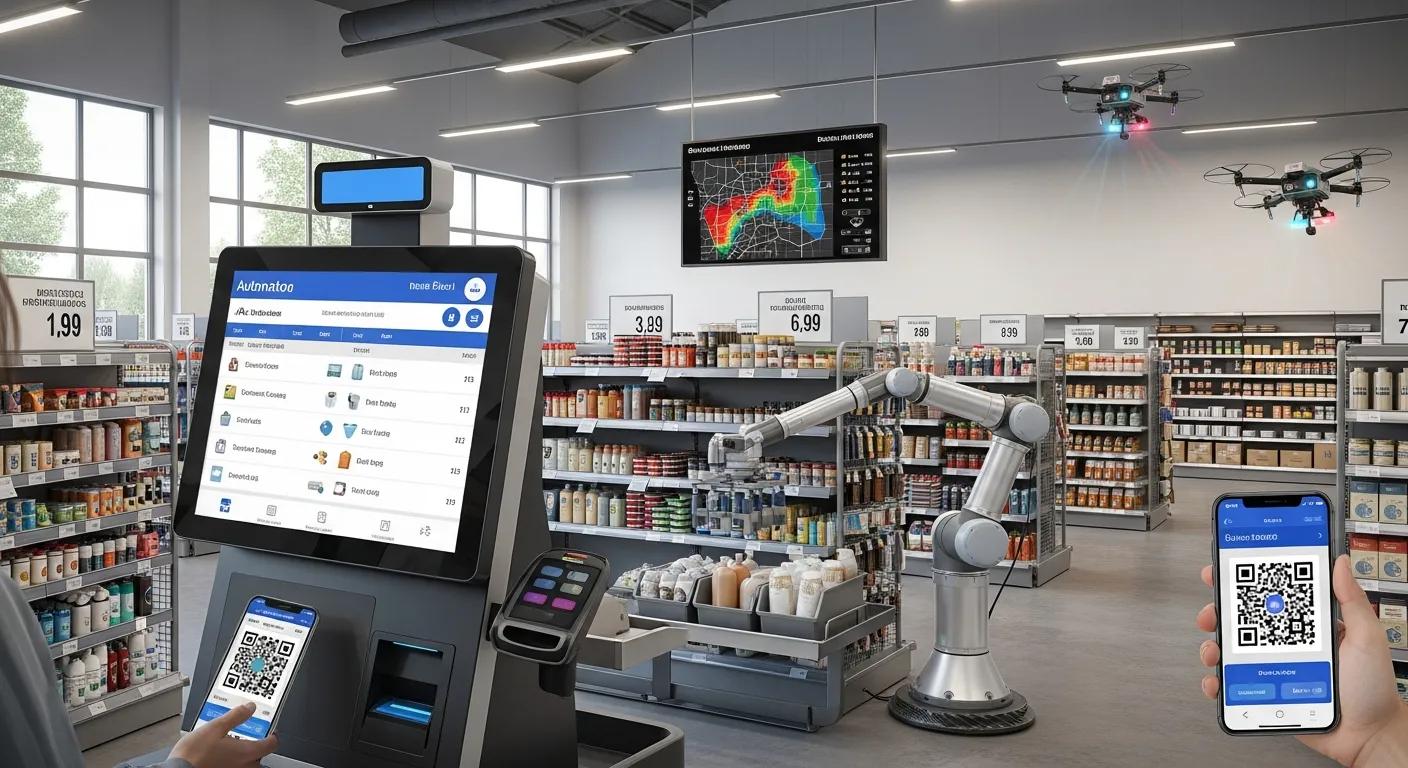
Retail automation cases commonly report rapid operational improvements—reduced checkout times, fewer stockouts, and measurable sales uplift—that make ROI calculations straightforward when the right KPIs are tracked. ROI typically accounts for software and hardware costs, integration and training costs, against benefits such as labor savings, reduced shrinkage, and incremental revenue from higher conversion rates. Short pilot timelines often allow organizations to estimate payback periods of 6–18 months, depending on the scope. The following case summaries illustrate typical before/after metrics and provide a template for calculating ROI in your own environment.
Which case studies demonstrate efficiency gains from retail automation? Below are succinct, anonymized examples.
- Fast-fashion chain (pilot): Automated self-checkout reduced average checkout time by 40%, resulting in a 6% conversion uplift and faster peak-hour throughput.
- Specialty grocer: RFID-enabled inventory counts cut stock discrepancies by 85%, reducing out-of-stocks and increasing on-shelf availability by 7%.
- Electronics retailer: Conversational AI for product guidance increased add-on sales and improved average order value by 9% during a targeted promotion.
These brief case summaries demonstrate how targeted automation projects yield measurable returns and serve as the basis for robust ROI calculations.
For retailers evaluating vendors, real-world vendor case examples and short summaries can clarify expected timelines and outcomes. As an illustrative example, Launched, a retail technology provider operating in the Tampa Bay area, positions its offerings around conversational AI, inventory automation, and POS enhancements; such vendors often provide references and deployment playbooks that help quantify expected ROI during procurement. Retailers should ask potential partners for short case summaries that include before/after KPIs to validate assumptions during selection.
How Is ROI Measured for Retail Technology Solutions?
ROI for retail automation combines upfront capital and implementation costs against ongoing operating benefits and revenue gains, producing a clear payback timeline. Components of ROI calculations include hardware and software costs, integration and project management, training expenses, and any recurring subscription fees, versus benefits such as labor savings, reduced shrinkage, increased sales, and improved conversion. A simple ROI example: if annual labor savings plus incremental revenue equals $120,000 and total implementation costs are $240,000, the payback is two years; sensitivity testing around conversion uplift and shrinkage reduction refines these projections. Tracking a concise set of KPIs—checkout time, stock accuracy, conversion rate, AOV, and labor hours—ensures ROI models remain grounded in operational reality.
This simple metric table supports explicit ROI modeling and ongoing measurement to validate continued investment in automation.
What Are Common Questions About Retail Automation Solutions?
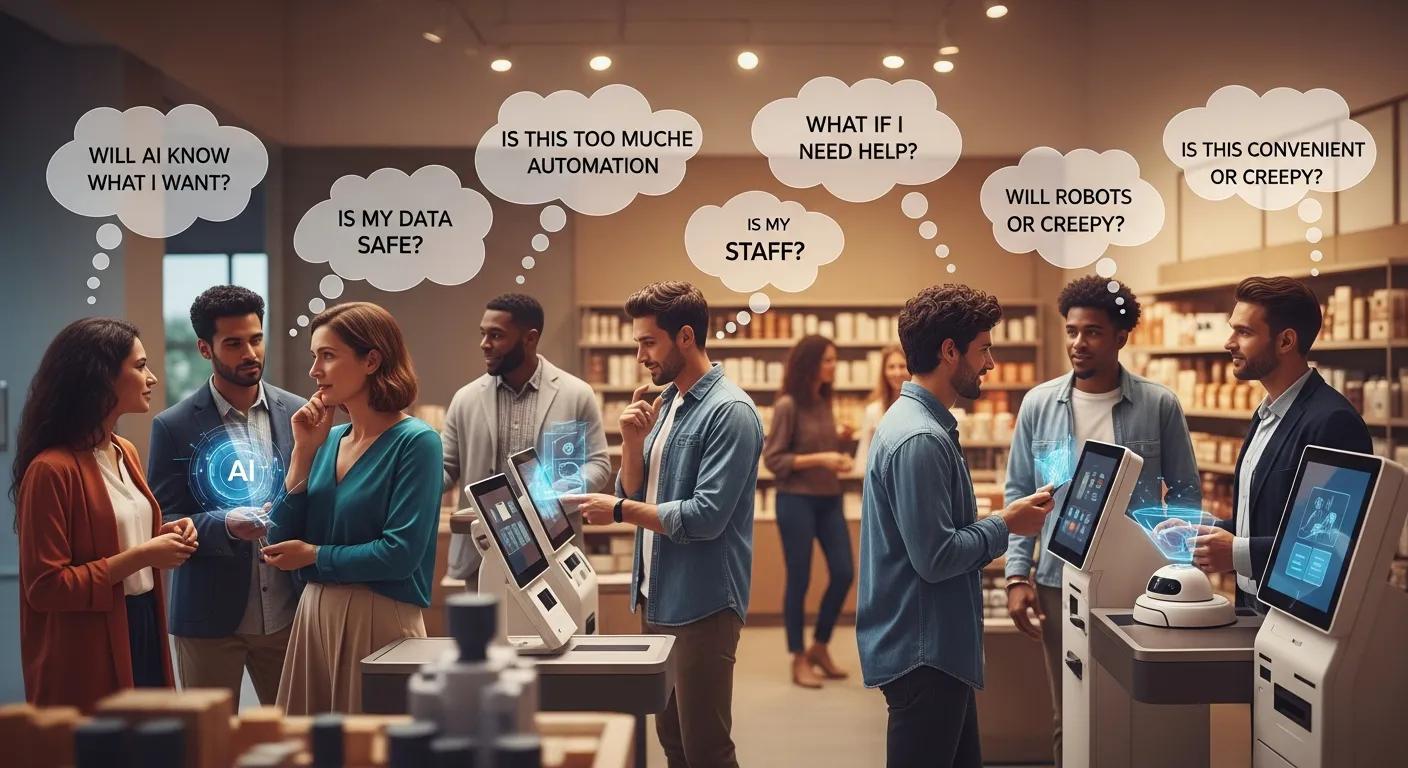
Retailers frequently ask which technologies are essential, how to prioritize projects, and how to balance quick wins with strategic investments that enable omnichannel growth. Brief, direct answers can guide early exploration and direct readers to in-depth sections above to plan pilots and vendor selection. The following PAA-style answers address common decision-stage queries and point to further reading within this article.
What Technologies Are Used in Retail Automation?
Retail automation relies on several core technologies that work together to automate processes and inform decisions, each serving a distinct role in the stack. Conversational AI platforms handle customer interactions and guided selling, integrated with POS and CRM for personalized service. Inventory Management Systems (IMS) track stock levels and trigger replenishment, often combining with RFID or barcode scanners for automated counts. Point-of-Sale automation speeds transactions and centralizes sales data for analytics. Supporting layers include middleware for integration, analytics platforms for insight generation, and workforce management tools to optimize labor. These technologies form a cohesive ecosystem when connected via standardized APIs and governed with robust data quality practices.
How Can Stores Increase Efficiency with Automation?
Stores can increase efficiency by sequencing automation projects from quick wins to strategic integrations and by measuring impact at each stage. Quick wins often include self-checkout kiosks, barcode/RFID-based cycle counts, and conversational assistants for routine inquiries, all of which reduce staff handling time. Medium-term projects focus on POS-IMS synchronization and centralized analytics to inform replenishment and promotions. Long-term investments target omnichannel orchestration and AI-driven personalization that require robust integration and governance. Prioritizing initiatives that demonstrate measurable KPI improvements in pilot phases accelerates broader rollout and helps secure stakeholder buy-in for larger projects.
Stores should take a staged approach:
- Start with high-frequency, low-risk automations.
- Measure clear KPIs during pilots.
- Expand to integrations that enable omnichannel capabilities.
These steps create a replicable path for scaling automation across store footprints and channels, turning operational gains into sustained competitive advantage.
Frequently Asked Questions
What are the initial steps retailers should take before implementing automation solutions?
Before implementing automation solutions, retailers should conduct a thorough assessment of their current processes and identify high-frequency tasks that could benefit from automation. This involves mapping customer pain points and operational inefficiencies to prioritize automation candidates. Following this, retailers should design a pilot program with clear objectives and measurable KPIs to evaluate the impact of automation on their operations. This structured approach helps ensure implementationalignsd with business goals and maximizes the potential for success.
How can retailers ensure data security during the integration of automation systems?
Data security during the integration of automation systems can be ensured by adopting a robust governance framework that includes standardized data schemas and strict access controls. Retailers should implement encryption protocols for data in transit and at rest, and regularly audit their systems for vulnerabilities. Additionally, training staff in data-handling best practices and establishing clear policies for data access can help mitigate risks. Collaborating with trusted vendors who prioritize security in their solutions is also crucial for maintaining data integrity throughout the automation process.
What challenges might retailers face when scaling automation solutions?
When scaling automation solutions, retailers may encounter several challenges, including staff resistance to change, integration issues with legacy systems, and the need for ongoing training. Additionally, maintaining data quality and consistency across multiple platforms can be difficult. Retailers must also ensure that their technology stack can handle increased transaction volumes without compromising performance. To address these challenges, a phased approach to scaling, along with continuous monitoring and feedback loops, can help facilitate smoother transitions and enhance overall effectiveness.
How does retail automation impact employee roles and responsibilities?
Retail automation significantly reshapes employee roles and responsibilities, shifting the focus from routine tasks to higher-value activities that require human interaction and decision-making. As automation takes over repetitive tasks, employees can concentrate on customer service, problem-solving, and strategic initiatives. This transition may require reskilling or upskilling staff to adapt to new technologies and workflows. Retailers should invest in training programs to help employees embrace their evolving roles, ensuring they remain engaged and productive in an increasingly automated environment.
What metrics should retailers track to measure the success of automation initiatives?
To measure the success of automation initiatives, retailers should track key performance indicators (KPIs) such as checkout time, stock accuracy, labor hours saved, conversion rates, and average order value (AOV). These metrics provide insights into operational efficiency, customer satisfaction, and overall financial performance. Regularly analyzing these KPIs allows retailers to assess the impact of automation on their business and make data-driven decisions for continuous improvement. Establishing a clear baseline before implementation will also help in evaluating the effectiveness of automation efforts over time.
How can retailers leverage analytics to enhance their automation strategies?
Retailers can leverage analytics to enhance their automation strategies by using data insights to inform decision-making and optimize processes. By analyzing customer behavior, sales trends, and inventory levels, retailers can identify areas for improvement and tailor their automation efforts accordingly. Advanced analytics can also help in predicting demand, enabling more efficient inventory management and personalized marketing strategies. Integrating analytics with automation systems allows for real-time adjustments and continuous learning, ultimately driving better customer experiences and operational efficiencies.

Erik Remmel is a co-founder of Launched, a platform that helps businesses grow through AI-powered marketing, automation, and lead generation. He focuses on building scalable systems that convert cold leads into customers while streamlining operations with smart, AI-driven workflows.