Get your Google Business Profile right in 30 minutes: quick optimization moves for local SEO wins
Polishing your Google Business Profile (GBP) is one of the fastest, highest-impact ways you can improve local SEO. In this guide, we’ll walk through practical, hands-on steps you can finish in about 30 minutes. Focus on accurate business details, clear visuals, and timely customer interaction — and you’ll see better visibility in local searches. Many small businesses neglect simple upkeep, leading to lost clicks and missed customers. This article gives short, precise tips for completing your profile, managing reviews, using Google Posts, and running quick audits so your listing keeps working for you.
Recent research confirms that a well-maintained Google Business Profile meaningfully influences customer choices and improves local search visibility.
How Google Business Profiles Shape Local Search & Customer Decisions This study examines how businesses can improve presence in local search results using Google Business Profiles (GBPs). Before visiting a store or booking a service many people search online first, and a complete, current GBP helps local businesses connect with those customers. The research evaluates how details like a company’s location, contact info, opening hours, website link, reviews, and photos sway consumer decisions. It also considers how an active, updated profile increases visibility on Google Maps and in local search. A STUDY ON THE IMPACT OF GOOGLE BUSINESS PROFILE ON BUSINESS SUCCESS, B Sharma, 2025
How Google Business Profiles Shape Local Search & Customer Decisions
This study examines how businesses can improve presence in local search results using Google Business Profiles (GBPs). Before visiting a store or booking a service many people search online first, and a complete, current GBP helps local businesses connect with those customers. The research evaluates how details like a company’s location, contact info, opening hours, website link, reviews, and photos sway consumer decisions. It also considers how an active, updated profile increases visibility on Google Maps and in local search.
A STUDY ON THE IMPACT OF GOOGLE BUSINESS PROFILE ON BUSINESS SUCCESS, B Sharma, 2025
How Can You Quickly Claim and Verify Your Google Business Profile?
Claiming and verifying your Google Business Profile is the first essential step to owning your local presence. Verification confirms your business details, gives you control over how your listing appears in search results, and builds trust with potential customers — all of which help your local SEO performance.
What Are the Fastest Ways to Complete Your Business Information Accurately?
The fastest ways to finish your business profile correctly include:
- Use intelligent assistants: Deploy AI-powered tools or scheduling assistants that capture leads and answer common questions 24/7 so you don’t miss opportunities.
- Connect channels: Sync chat, voice, SMS, and email so customer details and messages stay consistent across platforms.
- Personalize where it matters: Tailor messaging and follow-ups based on customer preferences to increase conversion and satisfaction.
- Automate routine work: Automate repetitive updates or confirmations so your team can focus on higher-value tasks.
- Speed up responses: Faster replies — whether from staff or automated systems — improve customer experience and reduce missed leads.
Applying these steps helps ensure your business information is complete, accurate, and ready to drive local traffic.
Which Google Business Profile Optimization Tips Boost Local SEO Fast?
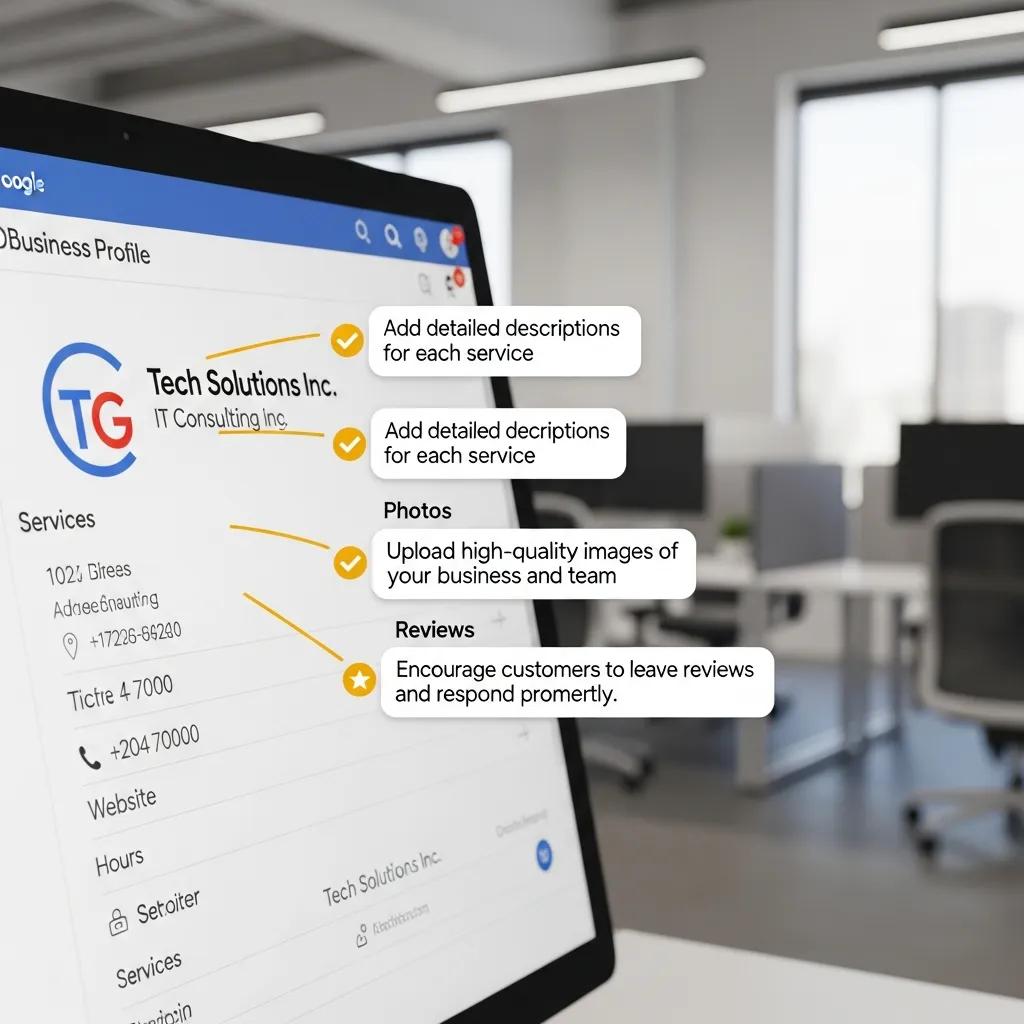
Tuning a few core fields on your Google Business Profile can significantly improve how often you appear in local searches. Key quick wins include choosing the right categories, adding accurate attributes, and keeping your opening hours up to date.
Additional research highlights how targeted local optimization boosts organic traffic for retailers and improves placement in local search results.
Local SEO & Google Business Optimization Strategies This research validates the importance of local optimization for retailers to increase organic traffic. It offers insights and practical recommendations for optimizing business listings in Google as part of an effective marketing strategy. Using an example of a Ukrainian retailer, the study outlines microdata and profile enhancements that help secure advantageous placement in the Local Pack versus competitors, increasing organic traffic and conversions. Business optimization in the digital age: Insights and recommendations, A Natorina, 2020
Local SEO & Google Business Optimization Strategies
This research validates the importance of local optimization for retailers to increase organic traffic. It offers insights and practical recommendations for optimizing business listings in Google as part of an effective marketing strategy. Using an example of a Ukrainian retailer, the study outlines microdata and profile enhancements that help secure advantageous placement in the Local Pack versus competitors, increasing organic traffic and conversions.
Business optimization in the digital age: Insights and recommendations, A Natorina, 2020
How to Choose the Best Business Categories and Attributes Quickly?
Pick the right categories and attributes by following these quick steps:
- Check competitors: See which categories similar, successful businesses use and model what fits your services.
- Follow Google’scustomers ‘ prompts: Use Google’s suggested categories to match common search queries.
- Match your offerings: Select categories and attributes that accurately reflect what you do so searches return the most relevant results.
These choices improve your relevance in local search and help attract the customers you want.
Optimize Your Google Business Profile for Local in 30 Minutes: Laun
Reviews shape trust and influence clicks. Managing them efficiently protects your reputation and signals to Google that your business is engaged and trustworthy.
What Are Quick Strategies to Get More Positive Google Reviews?
Try these simple approaches to collect more positive reviews:
- Ask delighted customers: When someone leaves happy feedback in person or by message, invite them to post it on Google.
- Make it effortless: Send a direct review link and short instructions so leaving feedback is frictionless.
- Follow up politely: After a purchase or visit, send a friendly thank-you with a reminder to share their experience.
How Should You Respond to Reviews to Enhance Local Ranking?
Responding to reviews boosts credibility and helps local ranking. Best practices include:
- Reply quickly: Prompt responses show you care about feedback.
- Personalize replies: Address specific points in each review and use the customer’s name when appropriate.
- Invite return visits: Encourage customers to come back or contact you directly to resolve issues.
Thoughtful review management strengthens your Google Business Profile and supports improved local ranking.
Optimize Your Google Business Profile for Local in 30 Minutes: Laun
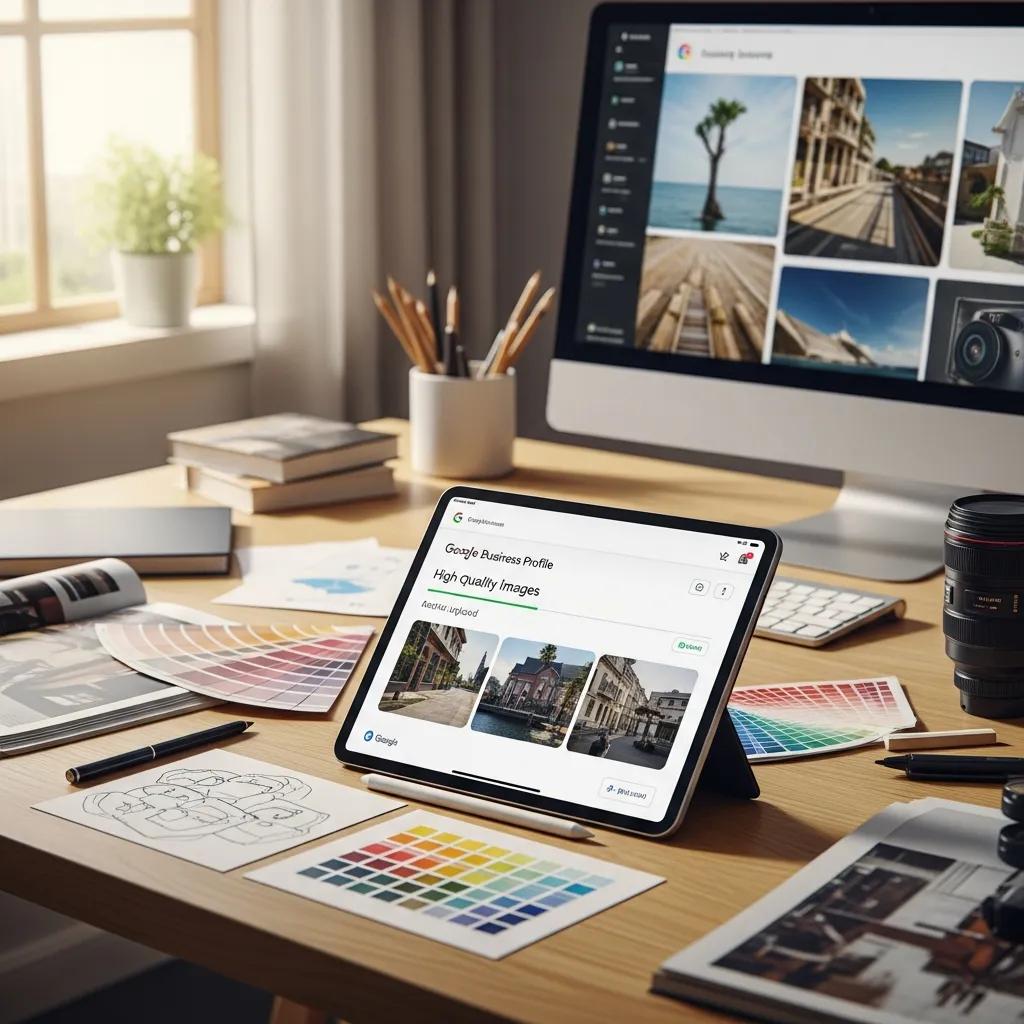
Images and short videos are one of the easiest ways to make your GBP stand out. Visuals show customers what to expect and encourage clicks, calls, and visits.
How to Upload and Optimize Photos and Videos for Local Search?
Follow these practical tips when adding visuals:
- Use recommended sizes: Upload sharp images that meet Google’s quality guidance — for photos, 720 x 720 px or larger is a good baseline.
- Add descriptive alt text: Write concise alt text so images are accessible and clearer to search engines.
- Keep videos short: Short, well-lit clips (around 15–30 seconds) work best to hold attention.
What are the best practices for Google Business Profile Cover and Profile Images?
Choose cover and profile images that:
- Represent your business: Pick photos that highlight your product, team, or storefront.
- Stay on-brand: Use consistent colors and style so customers recognize you across platforms.
- Refresh regularly: Update photos seasonally or when you launch new products or services.
Optimized visuals make your listing more compelling and help attract the right customers.
How Can Google Posts and Q&A Features Boost Your Profile Engagement Quickly?
Google Posts and the Q&A section let you share timely updates and answer customer questions directly — both are great for driving engagement and conversions.
How to Create Effective Google Posts in Under 10 Minutes?
Create helpful, clickable posts quickly by following this formula:
- Focus your message: Announce a new product, special, or event in one clear sentence.
- Schedule ahead: Use a simple calendar to plan posts and maintain steady activity.
- Track results: Check which posts get views and clicks,s and refine your approach.
What Are Efficient Ways to Manage Q&A for Lead Generation?
Manage Q&A to capture leads and reduce friction:
- Be available: Use AI or team processes to answer common questions quickly so prospects don’t go elsewhere.
- Answer fast: Quick replies increase the chance that a casual browser becomes a lead.
- Personalize: Tailor your answers to the question and include next steps (a call, a booking link, or directions).
- Unify communications: Centralize chat, email, and phone so no question slips through the cracks.
- Qualify automatically: Use basic prompts to capture lead details and prioritize follow-up.
- Integrate with tools: Connect Q&A with your CRM or scheduling tools to streamline handoffs.
- Watch costs: Consolidating services can lower overhead and keep responses efficient.
Using these tactics helps increase engagement and convert more profile visitors into customers.
Real-world applications of these optimization techniques consistently boost online visibility and increase meaningful profile engagement.
Google Business Profile Optimization for Online Visibility This case study examines using a SOSTAC (Situation, Objectives, Strategy, Tactics, Action, Control) plan to optimize Glowmax, a beauty clinic in East Bekasi. The team completed full profile details, managed reviews proactively, and posted regular updates. As a result, Google Maps profile views rose sharply — from a target of 46 to 395 views in one month (June 1–30, 2025). Strategi optimalisasi Google Profile Business dalam meningkatkan visibilitas online Glowmax, CS Barkah, 2025
Google Business Profile Optimization for Online Visibility
This case study examines using a SOSTAC (Situation, Objectives, Strategy, Tactics, Action, Control) plan to optimize Glowmax, a beauty clinic in East Bekasi. The team completed full profile details, managed reviews proactively, and posted regular updates. As a result, Google Maps profile views rose sharply — from a target of 46 to 395 views in one month (June 1–30, 2025).
Strategi optimalisasi Google Profile Business dalam meningkatkan visibilitas online Glowmax, CS Barkah, 2025
What Quick Audit and Monitoring Steps Ensure Your Google Business Profile Stays Optimized?
Regular, fast audits keep your GBP accurate and performing. A short checklist prevents minor errors from costing visibility or customers.
How to Use a 30-Minute Google Business Profile Audit Checklist?
Run through this quick audit every month or after significant changes:
- Key fields: Verify your business name, address, phone number, and website are correct.
- Use Insights: Check Google Business Profile Insights for trends in views, searches, and actions.
- Audit cadence: Do a focused review monthly and after any change to hours, services, or location.
Which Key Metrics Should You Track Regularly for GBP Success?
Track these metrics to measure impact and spot issues:
- Views and actions: How many people see your profile and take actions (call, visit the site, request directions).
- Reviews and ratings: Monitor sentiment and volume to understand customer satisfaction.
- Engagement: Review interactions with posts and Q&A to identify which content drives interest.
Consistent monitoring ensures your Google Business Profile stays accurate and continues to attract customers.
Frequently Asked Questions
What are the benefits of using Google Business Profile for local businesses?
A well-maintained Google Business Profile increases your visibility in local search and on Google Maps, helps customers find essential info (hours, location, contact), and builds trust through reviews. Optimizing your GBP can drive more phone calls, website visits, and store visits — ultimately improving foot traffic and sales.
How often should I update my Google Business Profile?
Update your GBP whenever key details change (hours, services, contact info). Beyond that, add new photos, reply to reviews, andregularly post promotions or events. A practical routine is a quick monthly audit plus minor updates as needed.
Can I manage multiple Google Business Profiles from one account?
Yes. You can manage multiple GBPs from a single Google account, which is helpful for multi-location businesses. The dashboard lets you switch between listings, edit details, and compare performance — make sure each location has accurate, location-specific information.
What role do Google Posts play in engaging customers?
Google Posts let you share timely updates — promotions, events, or product news — directly on your profile. Regular, concise posts keep your listing fresh and can nudge browsers toward action, like visiting your site or booking an appointment.
How can I effectively use the Q&A feature on my Google Business Profile?
Monitor Q&A closely and respond to questions promptly to demonstrate excellent customer service. Pre-fill common questions with helpful answers, and use the feature to guide customers to the next step (a call, a booking page, or directions). Prompt, clear responses improve trust and reduce friction for potential customers.
What are some common mistakes to avoid when optimizing my Google Business Profile?
Avoid these pitfalls: failing to verify your business, leaving information outdated, ignoring reviews, choosing inaccurate categories, and skipping visual content. Also, don’t keyword-stuff your description — write clearly for customers first. Regular audits and consistent best practices keep your profile effective.
Conclusion
Your Google Business Profile is a small tool with significant returns when it’s accurate and active. Use these quick, prioritized steps — accurate details, strong visuals, review management, and brief audits — to improve local SEO and bring more customers through the door. Start with a 30-minute audit today and keep iterating for steady gains.