How AI Is Changing Work: Boosting Productivity and Team Collaboration
Artificial intelligence in today’s workplace refers to software and systems that automate repetitive tasks, sharpen human decision-making, and open new paths for collaboration through data-driven insights and natural-language interfaces. By combining machine learning, robotic process automation, and conversational agents, AI reduces manual effort and surfaces practical recommendations. The outcome is tangible: improved productivity and smoother teamwork. This article outlines how AI changes workflows, which roles face automation pressure, and how conversational AI is transforming sales and support, highlighting well-trained chatbots and voice assistants that enable 24×7 customer access. We also cover the ethical considerations organizations must manage and offer practical steps for employees and leaders to adapt. You’ll find measurement guidance, concrete metrics, and comparative tables, plus implementation checklists to help teams plan and scale. Coverage includes clear definitions, trend projections through 2026 and beyond, illustrative comparisons, and action-oriented guidance on training and governance so leaders can align AI adoption with business goals.
Key Takeaways
- AI automates repetitive work and augments decisions, delivering clear gains in productivity and collaboration.
- RPA and AI co-pilots can reduce task time by up to 40%, increasing employee throughput and efficiency.
- Well-trained chatbots and AI voice assistants provide 24×7 customer access, letting businesses serve clients continuously while reallocating staff to revenue-generating work.
- Conversational AI automates lead qualification and routine support, speeding responses and improving conversions.
- Targeted automation creates hybrid roles that combine human oversight with AI-managed workflows.
- Ethical AI depends on transparency, bias audits, and human-in-the-loop checkpoints to preserve trust and compliance.
- Successful adoption rests on data quality, structured change management, and focused reskilling programs.
- Measure impact with baseline and post-deployment KPIs such as cycle time, error rates, and throughput.
- Employees grow AI skills through data literacy, hands-on tool training, and role-focused learning that complements domain expertise.
- By automating low-value tasks, AI frees people to focus on strategic and creative work.
How is AI Driving Workplace Transformation and Employee Productivity?
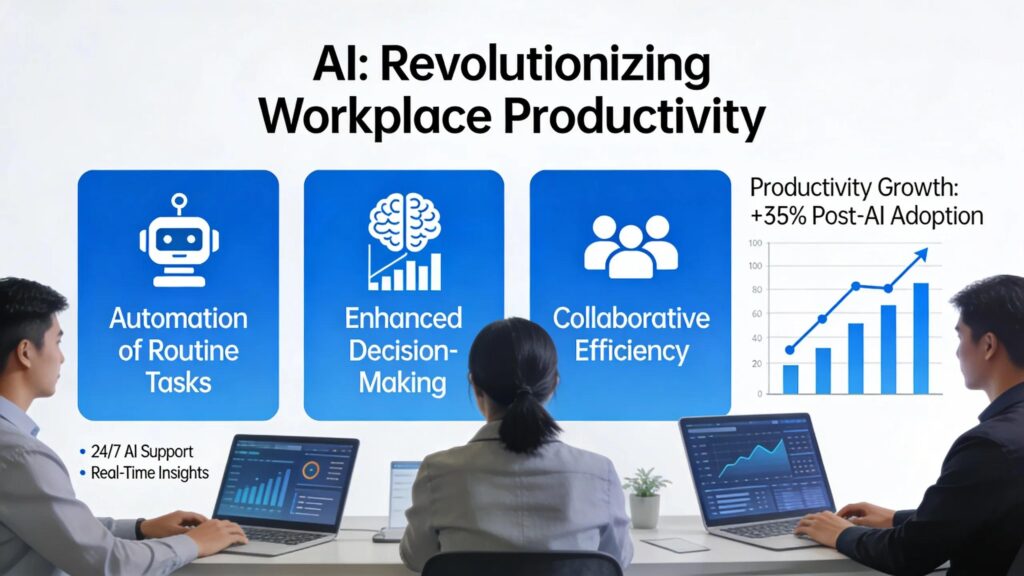
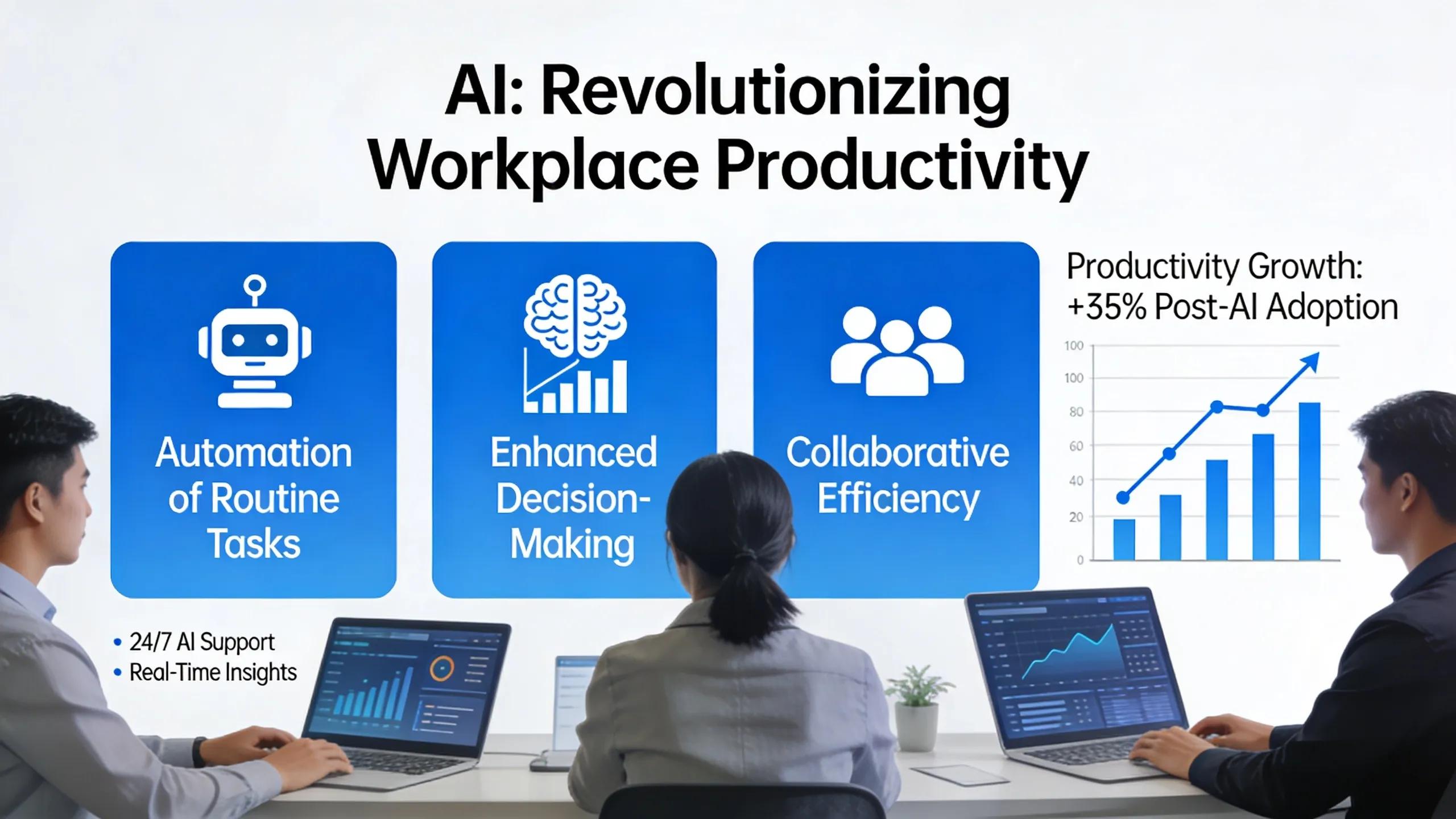
AI reshapes work by automating routine operations, augmenting knowledge work with predictive models, and offering real-time assistance that shortens decision cycles and increases throughput. Common implementations include RPA for back-office processes, machine-learning recommendations embedded into workflows, co-pilot tools that suggest next-best actions, and more capable chatbots and voice assistants that provide round-the-clock customer support. These tools deliver measurable improvements, reduced cycle times and higher output per employee are typical outcomes. To quantify value, organizations compare pre- and post-deployment metrics such as time saved, error rates, and conversion rates. Capturing those benefits requires data readiness, seamless integration, and deliberate change management to maintain quality and compliance.
This section compares common AI interventions by task type, integration effort, and expected productivity uplift to show where investments often pay off.
In practice, RPA and co-pilot solutions often deliver the quickest time savings, while ML recommendations raise decision quality. The right mix depends on organizational priorities and data maturity.
What is Employee Augmentation with AI?
In short: pairing human expertise with AI tools to increase impact.
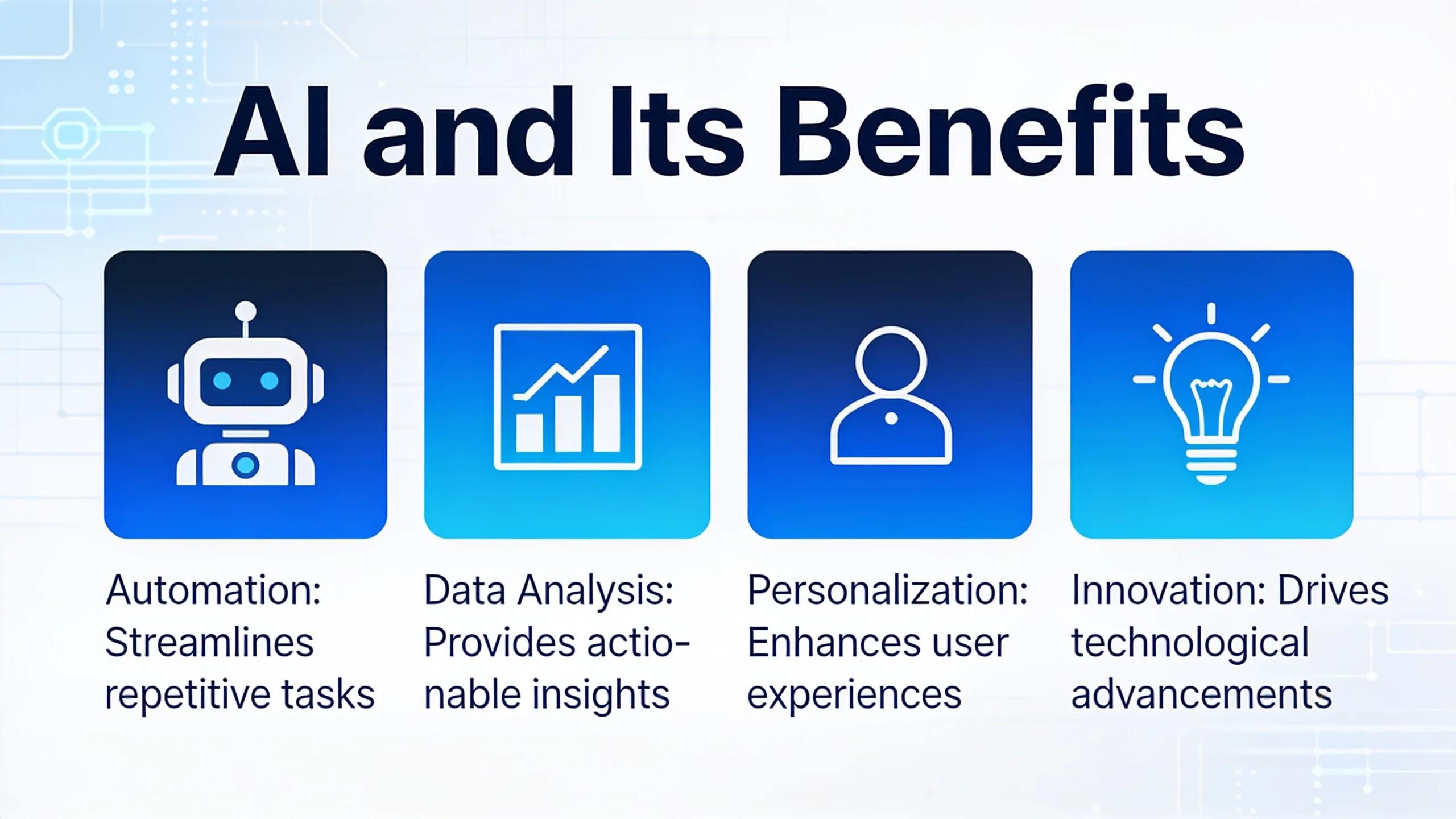
Employee augmentation means combining human judgment and domain know-how with tools that automate low-value tasks, surface insights, and recommend actions, letting workers focus on higher-value responsibilities. Common patterns pair conversational co-pilots or natural-language interfaces with backend automation to eliminate repetitive data entry, basic routing, and simple decision rules, while keeping humans in control. Benefits include less repetitive work, faster data-backed decisions, and higher accuracy in routine processes. These changes often boost job satisfaction and free capacity for creative or strategic tasks. Organizations using AI-driven knowledge bases, intent classification models, and well-trained chatbots and voice assistants report time savings that enable staff to handle more complex client interactions and foster innovation.
Launched’s work in the AI space reflects these augmentation benefits: by automating routine tasks and enriching employee context, vendors help front-line teams move faster and make better-informed decisions without replacing core human skills, while voice assistants deliver continuous customer engagement that supports growth.
How Does AI Enhance Workplace Productivity Metrics?
AI improves productivity metrics by increasing throughput, shortening cycle times, reducing error rates, and improving conversion in customer-facing interactions. RPA removes repetitive steps to cut cycle time, ML predictions reduce errors by improving decision support, and conversational AI, especially well-trained chatbots and voice assistants, accelerates lead qualification and support responses, boosting conversions and customer satisfaction. These assistants enable businesses to offer round-the-clock availability, allowing internal teams to focus on growth initiatives. Organizations should capture baseline metrics, run deployments in defined windows, and measure deltas to validate models and automations. Clear pre/post comparisons over 30–90 days provide credible evidence to scale pilots.
Below is a concise mapping linking features to measurable outcomes.
These mappings help teams select pilots based on the KPIs that matter and design measurement plans that demonstrate business impact before a broader rollout.
What Are the Current Trends in Job Automation and the Future Workforce?
Recent trends point to targeted task automation, the growth of hybrid roles that mix oversight with technical skills, and the rapid adoption of conversational AI in customer-facing functions. From 2023 through 2026, adoption climbs fastest in finance, HR, and customer service, areas with predictable, rule-based work and clear automation ROI. Rather than mass job elimination, roles are often reshaped into supervisory or augmentation-focused positions: humans handle exceptions, strategy, and complex communication while AI manages routine throughput, including after-hours customer requests via chatbots and voice assistants. Policy and organizational responses emphasize reskilling, role redesign, and governance to smooth transitions and protect worker welfare.
Here are the top trends and a one-line impact for each.
- Selective task automation: Targeted automation improves efficiency without replacing entire roles.
- Hybrid job creation: New oversight and AI-ops positions emerge to manage models and workflows.
- Conversational AI proliferation: Automated interactions scale customer engagement while cutting handle time and providing continuous 24×7 access.
- Upskilling emphasis: Employers prioritize ongoing learning focused on AI tools and data literacy.
Which Jobs Are Most Affected by AI Automation?
Roles with high-volume, predictable tasks face the most automation pressure; creative and complex decision-making jobs are more likely to be augmented. High-impact examples include routine data entry, scripted support interactions, and repetitive back-office reconciliation, tasks well-suited to RPA and rule-based ML. Knowledge workers who rely on pattern recognition (analysts, junior legal researchers) typically receive co-pilot augmentation rather than full replacement. The key factor is task variability: low-variability tasks are automatable, while high-variability tasks generally require human judgment.
This classification helps organizations target reskilling for at-risk roles and design augmentation paths for knowledge workers.
How Will Automation Impact Workforce Composition and Roles?
Automation shifts workforce composition toward hybrid roles that blend domain expertise with AI oversight, model management, and data interpretation. Expect positions like AI-ops analyst, model auditor, and co-pilot supervisor, people who ensure ethical operation and handle edge cases automation can’t resolve. Cross-functional skills such as data literacy, change management, and clear communication become essential. Hiring may favor adaptability over narrow depth. Companies that invest in continuous learning and map clear career paths for augmented roles reduce turnover and speed adoption.
Effective planning requires scenario-based workforce models and a defined reskilling roadmap to move affected employees into higher-value positions.
How Are Conversational AI Applications Revolutionizing Business Operations?

Conversational AI streamlines operations by automating routine interactions, qualifying leads, and connecting with CRM/ERP systems to trigger workflows that speed up responses and improve conversion rates. Typical stacks pair NLP engines, intent classifiers, and orchestration layers that map customer inputs to business actions, routing requests, updating records, or executing transactions, with human fallback when needed. Well-trained chatbots and voice assistants enable 24×7 engagement, allowing businesses to serve customers continuously while internal teams focus on strategic growth. Measurable KPIs include lower average handle time, higher contact deflection, improved customer satisfaction, and conversion uplifts. Complexity ranges from simple FAQ bots (low integration) to full sales automation (deep CRM integration).
The table below compares conversational AI use cases by scale, integration complexity, and primary KPIs to help teams prioritize investments.
These comparisons show conversational AI, chatbots and voice assistants, deliver quick wins in support and clear ROI in sales when tied to core systems, while enabling continuous customer engagement that supports growth.
What Are Key Use Cases of Conversational AI in Sales and Customer Interaction?
Conversational AI powers several high-impact use cases that influence revenue and satisfaction by automating manual steps and improving response quality. Lead-qualification bots capture intent and route high-value prospects to reps, shortening time-to-contact and boosting conversion. Support bots handle routine troubleshooting and knowledge retrieval, deflecting tickets so agents focus on complex cases. Personalized outreach engines use customer signals and models to recommend next-best messages that increase engagement. Voice assistants extend these capabilities, offering natural voice interfaces for service and sales at any time.
Key use cases include:
- Lead qualification and triage: Capture intent and prioritize high-value opportunities.
- Personalized outreach and follow-up: Automate sequenced messaging tailored to signals.
- Support deflection and knowledge retrieval by answering common queries to reduce agent workload.
- 24×7 voice-based customer support: Let customers interact by voice outside business hours, improving satisfaction and retention.
These scenarios connect NLP and orchestration to measurable business outcomes and guide integration and measurement plans.
How Does Conversational AI Automate Customer Communication?
Conversational AI automates customer communication through a pipeline: NLP preprocessing, intent classification, slot filling, and action orchestration that either resolves requests or escalates them to humans. The flow starts with text or voice input, proceeds to intent detection and entity extraction, then triggers a backend action or returns a response from a knowledge base. Failures route to human agents with context prefilled. Common patterns include FAQ handling, transactional updates (order status), and guided troubleshooting, each designed with human-in-the-loop fallbacks for ambiguous or sensitive cases. Strong escalation strategies protect customer experience and accuracy.
Well-trained voice assistants enhance this pipeline by understanding spoken language, managing conversational turns, and delivering immediate, personalized responses 24 hours a day, capturing opportunities whenever customers engage.
This technical flow supports dependable automation while maintaining clear escalation paths for exceptions, key to preserving trust and service quality.
What Ethical and Social Implications Arise from AI in the Workplace?
AI raises ethical issues around fairness, transparency, and workplace surveillance that organizations must address to retain trust and meet compliance obligations. Biased training data can produce unfair outcomes, opaque models can weaken accountability, and pervasive monitoring may harm privacy and morale. Governance measures, model audits, explainability tools, and human-in-the-loop checkpoints, help mitigate these risks. Open communication with employees about how AI is used, plus clear redress and escalation processes, builds trust and reduces resistance.
Below is a concise checklist of governance and mitigation steps to operationalize ethical AI use.
- Publish transparent AI policies and keep employees informed about purposes and limits.
- Run regular bias and fairness audits to detect and correct discriminatory behavior.
- Design human-in-the-loop workflows and explicit escalation paths for sensitive decisions.
These practices create the control environment needed for responsible deployments and sustainable adoption.
How Can Businesses Ensure Ethical AI Use and Human-AI Collaboration?
Businesses can ensure ethical AI use by adopting governance frameworks that combine policy, auditing, and human oversight, and by designing AI to augment, not replace, human judgment. Practical steps include keeping explainability logs, defining acceptable use cases, and running regular performance and fairness checks. Training HR and frontline managers on AI limitations and escalation protocols clarifies roles and smooths human-AI collaboration. These governance tools keep teams aligned and preserve human accountability for consequential decisions.
Adopting these practices prepares organizations to scale augmentation responsibly while protecting ethical standards.
What Are the Challenges of AI Integration in Employment?
Common integration challenges include organizational resistance, skills gaps, legal and compliance constraints, and employee concern when roles or monitoring change. Resistance often comes from unclear benefits or job-security fears; skills gaps need structured reskilling programs. Legal constraints, data privacy and sector-specific rules, can shape the scope and timing of deployment. Mitigations include phased rollouts, transparent change-management plans, and investments in training and support for affected staff.
Those tactics reduce friction and enable smoother transitions from pilots to enterprise-scale adoption.
How Can Employees Develop AI Skills for the Future of Work?
Employees build AI skills by combining data literacy, tool-specific training, and domain-augmented capabilities that let them interpret outputs and handle exceptions. Effective learning paths mix microlearning, mentorship, hands-on shadowing with AI-enhanced tasks, and bootcamps for technical roles. Managers should tie learning objectives to measurable KPIs to show ROI. Employers that map role-based competencies and offer clear career paths for hybrid roles boost internal mobility and reduce the risk of turnover.
The roadmap below outlines core skill categories and recommended learning modalities to guide workforce development.
- Data literacy and interpretation: Short courses and practical exercises to read model outputs and metrics.
- Tool usage and co-pilot workflows: Microlearning and guided practice to operationalize new interfaces.
- Domain-augmented skills: Mentorship and cross-functional projects to apply AI outputs in context.
This mix of modalities accelerates adoption and helps employees use AI to add more value in their roles.
What Training and Development Are Needed for AI Workforce Integration?
Training needs vary by role: operational staff need procedural instruction in AI-augmented workflows, managers need model oversight and performance measurement skills, and technical teams require model development and monitoring competencies. Recommended formats include microlearning for routine tasks, instructor-led workshops for managers, and project-based learning for technical teams to practice tuning and data handling. Define success metrics, task time reduction, error-rate improvement, adoption rates, to measure ROI and refine programs.
Role-based roadmaps that blend hands-on exercises with clear KPIs accelerate productivity gains and support the business case for additional investment.
How Does AI Collaboration Enhance Employee Roles and Capabilities?
AI collaboration changes daily work by automating low-value steps, surfacing context-rich suggestions, and freeing employees to focus on judgment, creativity, and relationship-building. For example, co-pilot summaries can cut reporting time from hours to minutes, enabling analysts to spend more time on interpretation and strategy. This shift increases capacity for problem-solving and client engagement; measurable results include faster decision cycles and higher-quality outputs. Organizations that document these improvements and update role expectations capture value while enriching job content.
By helping employees work smarter, AI collaboration strengthens careers and overall performance.
Frequently Asked Questions
What steps can organizations take to prepare for AI integration?
Start by mapping current workflows to find high-impact automation opportunities, invest in employee training to build data literacy, and form a cross-functional team to run implementation. Communicate clearly about expected benefits and the transition plan to reduce anxiety. Finally, set measurable goals and performance metrics so teams can monitor progress and make adjustments, this creates a smoother path to integrating AI into daily operations.
How can businesses measure the impact of AI on productivity?
Measure impact by recording baseline metrics before deployment and tracking KPIs afterward. Useful measures include time saved on specific tasks, pre- and post-error rates, and throughput per employee. Compare results over defined windows (for example, 30–90 days) to build credible evidence of effectiveness and guide decisions about scaling or iterating solutions.
Are there specific industries that benefit most from AI automation?
Finance, healthcare, manufacturing, and customer service often see the biggest gains because they include many repetitive, rule-based processes. Examples include reconciliation automation in finance, improved data handling and diagnostics in healthcare, and lead qualification and automated responses in customer service, each frees humans to focus on higher-value work.
What role does data quality play in AI effectiveness?
Data quality is foundational. Clean, accurate, and comprehensive data produce better-trained models and more reliable outputs. Good data improves predictions and recommendations, which support better decision-making. Organizations should commit to continuous data management, regular audits and updates, to keep AI systems performing well.
How can employees cope with AI-induced changes in job roles?
Employees adapt by embracing continuous learning and upskilling offered by their employers, training on new tools, mentorship, and practice with AI-augmented tasks. A growth mindset, cross-functional collaboration, and internal mobility help staff move into more strategic, resilient roles as work changes.
What ethical concerns should organizations consider when implementing AI?
Key concerns include data privacy, algorithmic bias, transparency of AI decisions, and potential job displacement. Address these with clear ethical policies, routine bias audits, and open conversations with employees about how AI is used. Ensure compliance with relevant regulations to preserve accountability and trust during deployment.
What are some examples of AI tools that enhance workplace collaboration?
Examples include project platforms that suggest task priorities, communication tools with smart search and recommendations, and idea-generation apps that spark creative thinking. From project management to team messaging and collaborative whiteboarding, these tools use AI to streamline workflows and help teams focus on higher-value work.
Conclusion
When applied responsibly, AI increases workplace productivity by automating routine tasks, speeding decision-making, and allowing employees to focus on higher-value work. Well-trained chatbots and voice assistants now provide 24×7 customer access, enabling businesses to improve service and capture opportunities around the clock while refocusing internal teams on growth. Organizations that combine rigorous measurement, strong governance, and targeted reskilling can achieve measurable gains in efficiency, accuracy, and employee satisfaction. Evaluate current processes against the frameworks in this article to identify practical pilots and a roadmap for scaling AI responsibly. Start by mapping opportunities, defining KPIs, and building the training and governance needed to realize lasting improvements in productivity and collaboration.